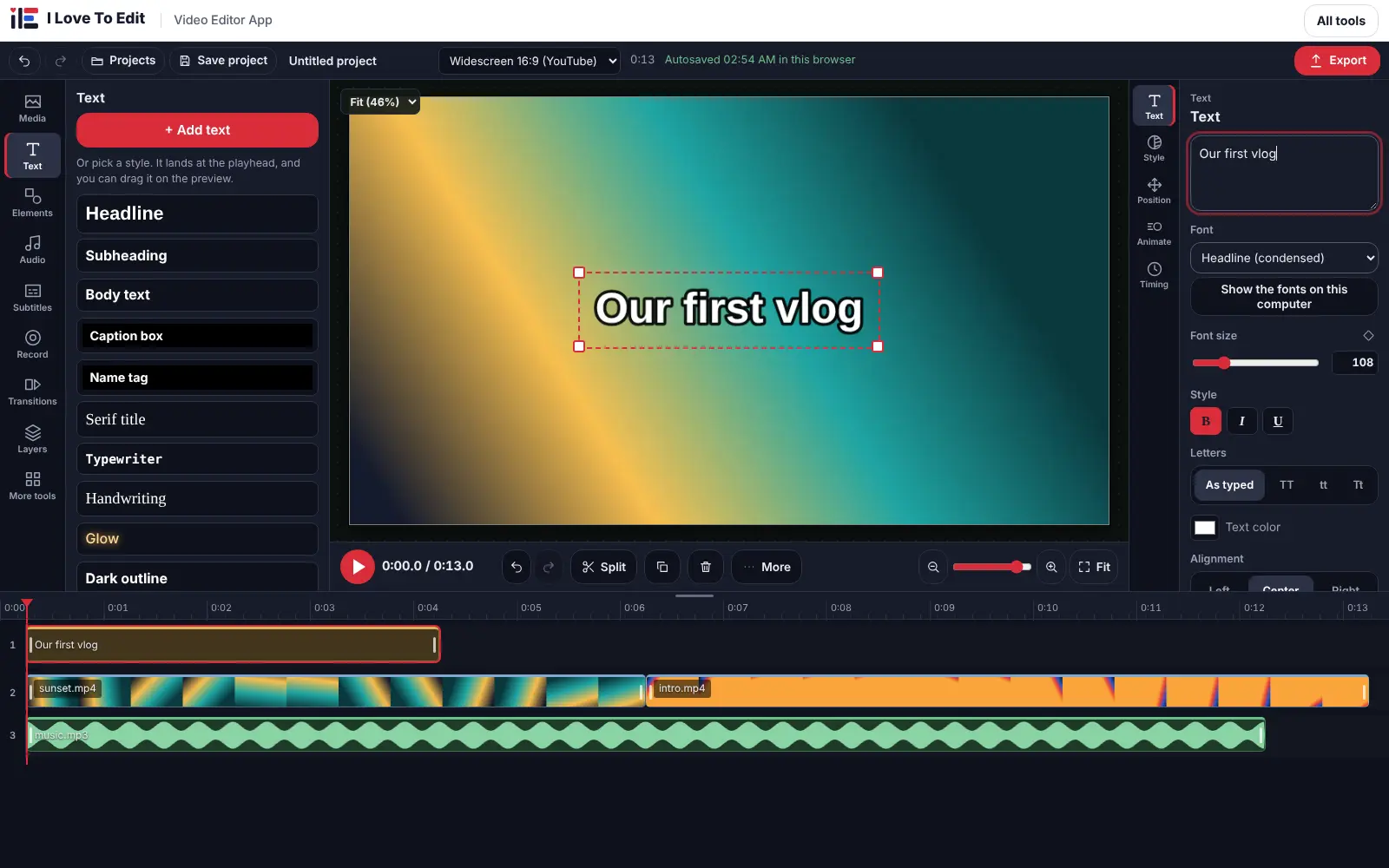
When one sound has to sit on top of another, a single-purpose tool is not enough. The audio editor is the timeline editor of this site used for sound only: each file gets its own track, and what you hear is the mix of all of them.
How to use the Audio Editor tool
- Open the editor and import your sound files; each one lands on its own track.
- Drag sounds to place them, pull their ends to trim, split at the playhead and set volume and fades for each.
- Press Export and choose MP3, WAV, M4A or OGG.
Tips for the best result
- Lower the music to about 20 to 30 percent while someone is speaking, using volume keyframes.
- Save the project to a folder if you want to continue another day.
Quick facts
| Price | Free |
|---|---|
| Works with | MP3, WAV, M4A, OGG, FLAC |
| Where it runs | In your browser, on your device |
| Account | Not needed |